Mr. Lobster's Escape Games1.1
Publisher Description


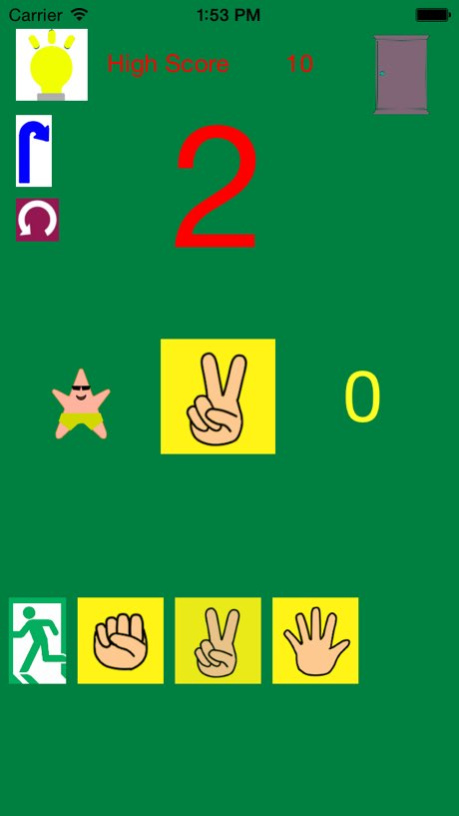
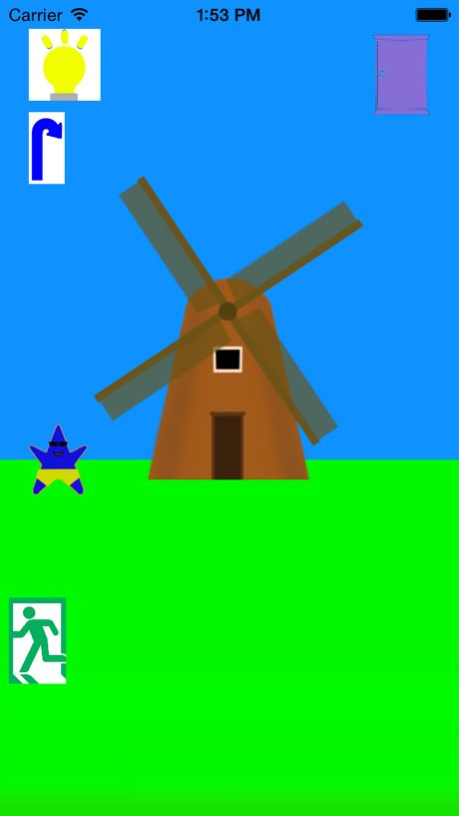
Mr. Lobster's Escape Games is an escape game about sea animals. You can escape the room solving Lobster puzzles. It creates thinking ability and abilities to solve problems.
There are also mini games, Learn numbers and calculation quiz.
Calculations quiz are addition, subtraction, multiplication, and division.
There is time attack mode for multiplication, division, addition, and subtraction. You can make your calculation speed higher enjoying the game.
Practice mode contains,
Which is more ?
How many ?
Learn the numbers
Find the rules
addition
subtraction
multiplication
division.
Game center can also be used for number and calculation quiz.
Version History Added a language. 1.1 09/14/2015 1.0 09/04/2015
About Mr. Lobster's Escape Games
The company that develops Mr. Lobster's Escape Games is Kozo Terai. The latest version released by its developer is 1.1.
To install Mr. Lobster's Escape Games on your iOS device, just click the green Continue To App button above to start the installation process. The app is listed on our website since 2026-10-08 and was downloaded 4 times. We have already checked if the download link is safe, however for your own protection we recommend that you scan the downloaded app with your antivirus. Your antivirus may detect the Mr. Lobster's Escape Games as malware if the download link is broken.
How to install Mr. Lobster's Escape Games on your iOS device:
- Click on the Continue To App button on our website. This will redirect you to the App Store.
- Once the Mr. Lobster's Escape Games is shown in the iTunes listing of your iOS device, you can start its download and installation. Tap on the GET button to the right of the app to start downloading it.
- If you are not logged-in the iOS appstore app, you'll be prompted for your your Apple ID and/or password.
- After Mr. Lobster's Escape Games is downloaded, you'll see an INSTALL button to the right. Tap on it to start the actual installation of the iOS app.
- Once installation is finished you can tap on the OPEN button to start it. Its icon will also be added to your device home screen.
Program Details
System requirements
Download information
Pricing
Version History
version 1.1
posted on 2026-10-08
Version History Added a language. 1.1 09/14/2015 1.0 09/04/2015
version 1.1
posted on 2026-09-03
Version History This app has been updated by Apple to prepare for watchOS 27 compatibility. No new features are included.
Added a language. 1.1 09/14/2015 1.0 09/04/2015
version 1.1
posted on 2026-08-21
Version History This update from Apple will improve the functionality of this app. No new features are included.
Added a language. 1.1 09/14/2015 1.0 09/04/2015
version 1.1
posted on 2015-09-14
This app has been updated by Apple to display the Apple Watch app icon.
Added a language.
version 1.1
posted on 2015-09-14
Sep 14, 2015 Version 1.1
This app has been updated by Apple to display the Apple Watch app icon.
Added a language.
